Rain in every season
The airport normals show precipitation throughout the year. A monthly average cannot tell you whether a particular basement or street will flood.
PHILADELPHIA EMERGENCY PREPAREDNESS GUIDE
Prepare for river and street flooding, summer heat, winter storms and power outages. Explore local weather charts, SEPTA alerts and practical tools for your household.
Philadelphia County · Pennsylvania
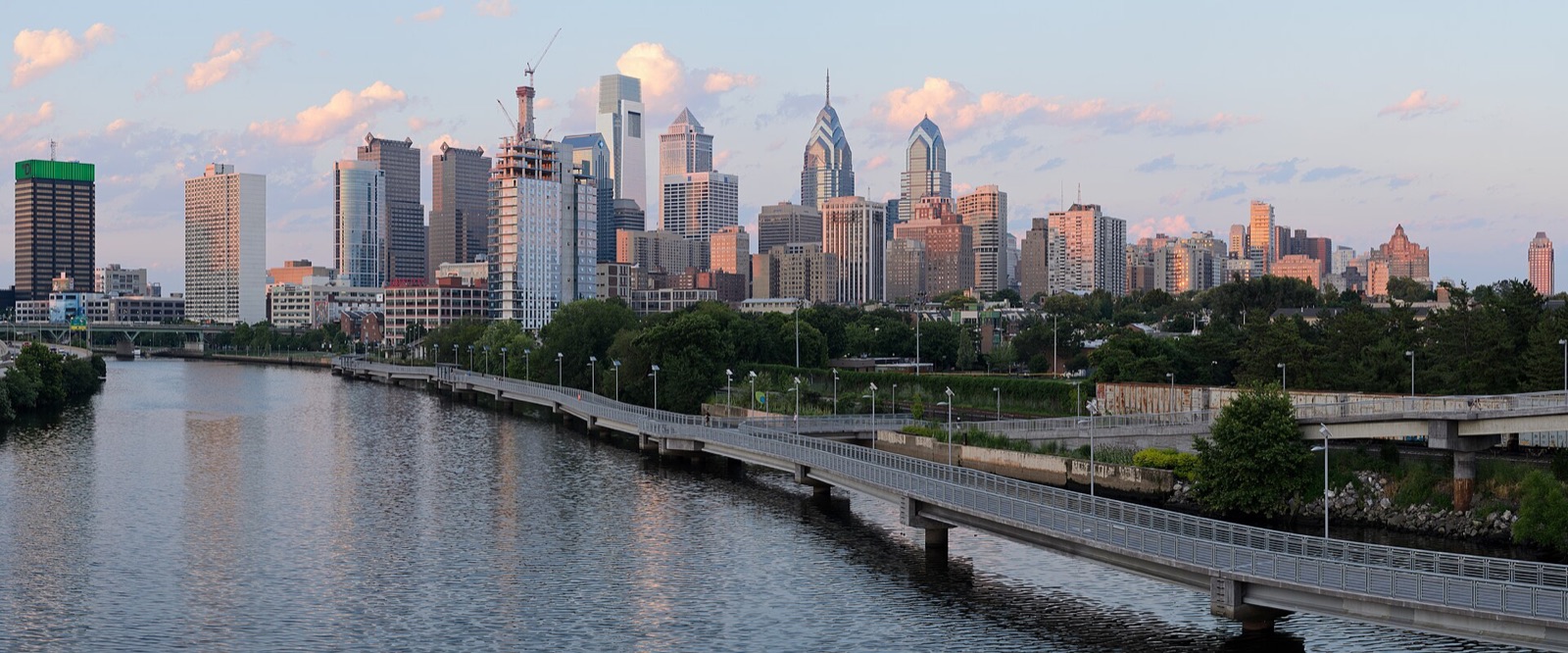
This guide covers the City and County of Philadelphia. Airport climate averages are historical station measurements; rowhouse blocks, riverfront neighborhoods and the airport can experience different conditions. Historical data and planning tools; check official sources for current conditions.
View sources ↗CHOOSE A STARTING POINT
01 / UNDERSTAND LOCAL RISKS
Compare temperatures, rain and hot days throughout the year before choosing when to prepare.
Philadelphia International Airport · NOAA 1991–2020
Monthly averages, not a forecast. Rainfall includes the water equivalent of precipitation. Days reaching 90°F are not heat-index days.
| Month | High °F | Low °F | Rain inches | Days ≥90°F |
|---|---|---|---|---|
| January | 41.3 | 26 | 3.13 | 0 |
| February | 44.3 | 27.5 | 2.75 | 0 |
| March | 52.8 | 34.3 | 3.96 | 0 |
| April | 64.7 | 44.3 | 3.47 | 0.2 |
| May | 74.4 | 54.2 | 3.34 | 1.7 |
| June | 83.2 | 63.9 | 4.04 | 5.8 |
| July | 87.8 | 69.6 | 4.38 | 12.5 |
| August | 85.8 | 67.9 | 4.29 | 7.5 |
| September | 78.9 | 60.9 | 4.4 | 1.9 |
| October | 67.2 | 49.2 | 3.47 | 0 |
| November | 55.9 | 38.8 | 2.91 | 0 |
| December | 46 | 31.2 | 3.97 | 0 |
The airport normals show precipitation throughout the year. A monthly average cannot tell you whether a particular basement or street will flood.
July’s average daily high is 87.8°F at the airport. A warm upstairs room may remain uncomfortable after sunset; choose a cooling destination before an outage.
Cold weather can affect sidewalks, driving and transit at the same time. Check the forecast and SEPTA before leaving, even on a familiar trip.
02 / UNDERSTAND LOCAL RISKS
The city identifies flooding as its top hazard. Include the route out of your home, not just the supplies inside it.
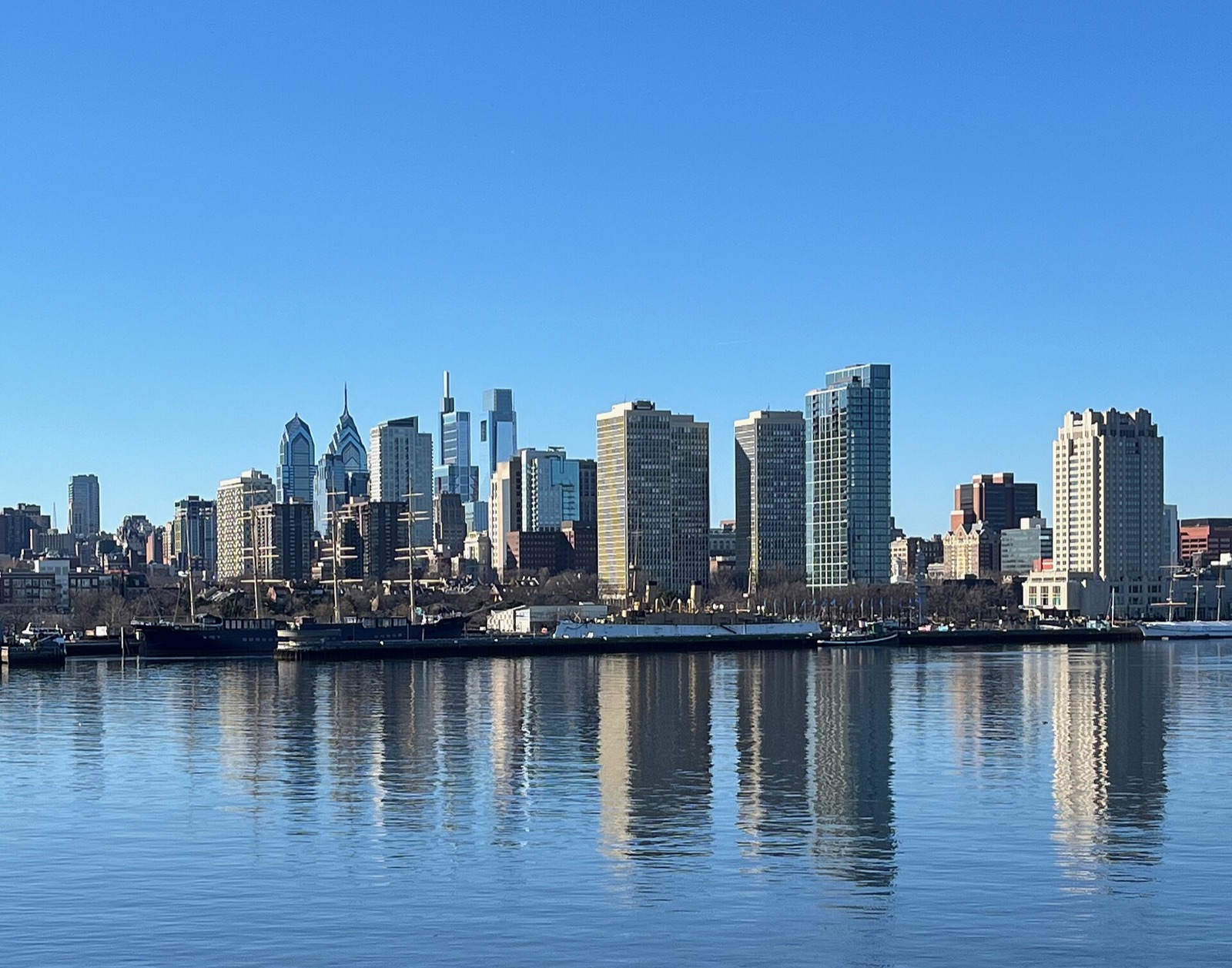
Review flood information for home, work and the routes between them. Pay attention to low streets, underpasses and places near the Schuylkill, Delaware and smaller waterways.
Store documents, chargers and the portable bag where you can reach them without entering a basement that is taking on water.
Plan a second way to higher ground. Do not drive or walk through floodwater, enter an underpass that is flooding, or go around a closure.
Read the city’s flood guide ↗ · Review floodwater safety ↗
03 / UNDERSTAND LOCAL RISKS
A rowhouse, upstairs apartment or home without working cooling needs a plan for hot nights as well as hot afternoons.
Use the city’s heat emergency page to find cooling resources and check which services are operating. Cooling locations and extended hours depend on current conditions; confirm before traveling.
Choose an accessible air-conditioned destination and a backup. Include transport, opening hours and whether pets can come.
Agree who will contact a relative or neighbor during an outage. Make the arrangement before phones or elevators stop working.
Carry water and a charged phone. If your trip depends on SEPTA or an elevator, check those services before heading out.
04 / UNDERSTAND LOCAL RISKS
A snow emergency can change where you park and how you travel. Save the city’s instructions before a storm.
During a declared snow emergency, vehicles on designated snow emergency routes must be moved so crews can clear them. Check the city’s winter page and current announcements for the routes and instructions that apply.
Keep a light, warm layers and food that does not require cooking where you can find them in the dark. Arrange somewhere warm to go if the home cannot remain safely heated. Never use an oven or grill as an indoor heater.
05 / UNDERSTAND LOCAL RISKS
A working route is only part of the trip: the stop, station entrance and elevator also need to be usable.
Bookmark SEPTA’s alerts page for the routes you actually ride. Check elevator notices if stairs are not an option. Write down a backup ride and a destination close enough to reach safely if service stops.
If a household member needs evacuation assistance, discuss transport before a warning. A normal bus route or paratransit booking is not a guarantee of emergency evacuation service.
06 / UNDERSTAND LOCAL RISKS
Different emergencies require different actions. Follow ReadyPhiladelphia and emergency personnel for the incident affecting your location.
Choose a meeting place near home and another outside the neighborhood. Pack essential documents, personal supplies, medication information and pet needs in a bag you can carry. Ask your building manager about stairs, exits and assistance during elevator outages.
A flood evacuation and a shelter-in-place instruction are different. Follow the city’s current direction; do not travel to a shelter location from an old announcement without checking that it is open.
07 / BUILD YOUR EMERGENCY PLAN
Choose your household size, supply duration and housing type. Save a checklist and download local contacts with your plan.
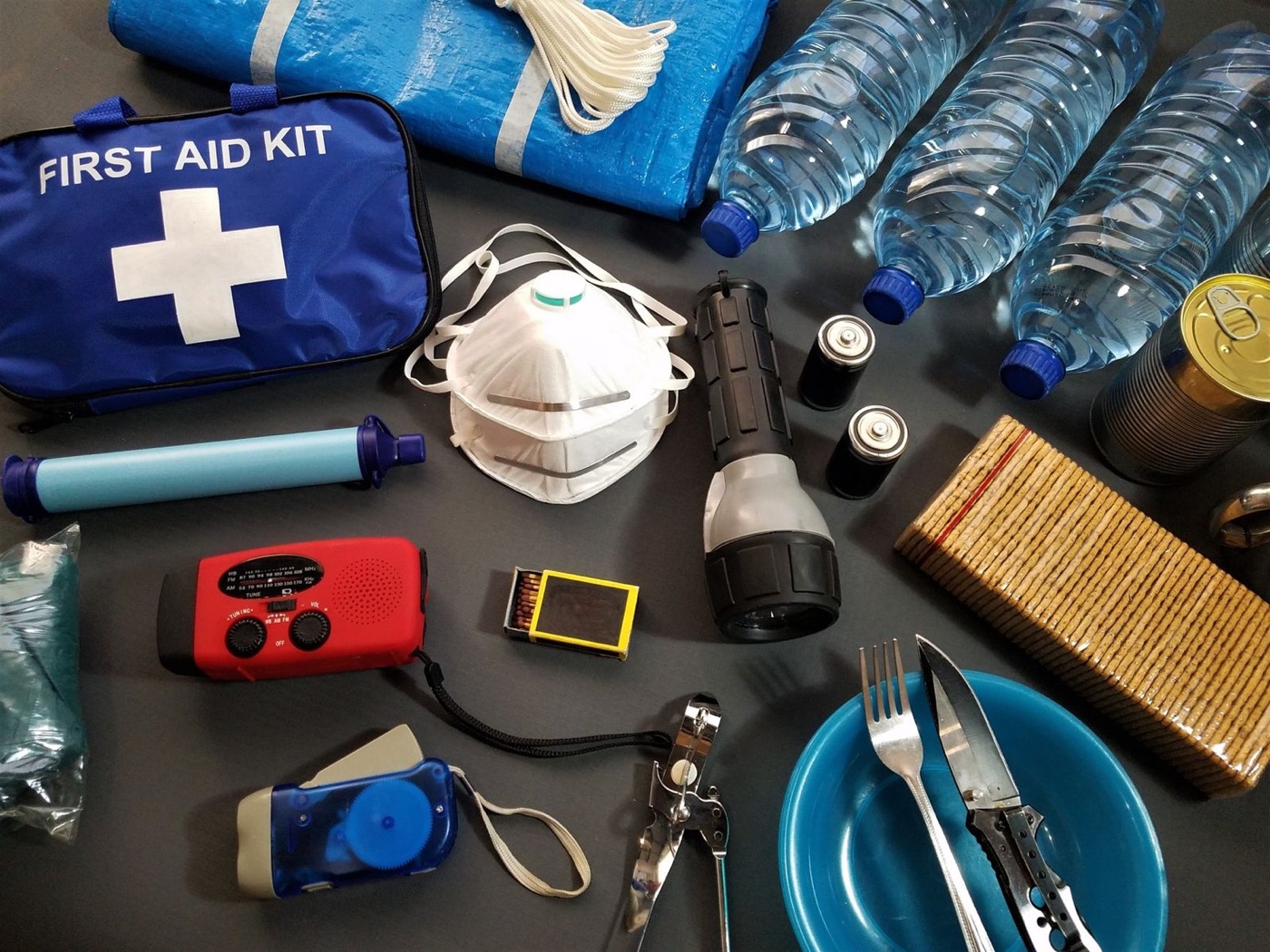
STARTING WATER RESERVE
2 people × 7 days × 1 gallon per day
For people only; add pet and individual needs.
Tracks these tasks only, not a safety score. Choices stay in this browser.
The seven-day setting is a planning scenario. Start with at least one gallon of water per person per day; increase it for heat, pets and individual needs. Read water-storage guidance ↗
Keep a portable bag separate from your home reserve. Add medication instructions, accessibility needs and meeting places to the downloaded worksheet. The checklist tracks tasks you mark; it does not measure whether your home is safe.
08 / BUILD YOUR EMERGENCY PLAN
Choose a month for three practical tasks. These are suggested reminders, not a forecast or a restriction on when hazards can happen.
09 / USE THE TOOLS
Use the power label on each device. This calculator estimates energy use; it does not check electrical compatibility.

| Use | Device | Watts | Hours/day |
|---|
Watts × hours gives daily watt-hours. Battery capacity × usable percentage gives estimated usable energy. Actual runtime also depends on starting surges, inverter limits, battery condition and temperature.
10 / USE THE TOOLS
Compare the seasons before relying on a portable panel for backup charging.
NASA POWER · 2001–2025
The estimate uses monthly average sunlight on a horizontal surface: panel watts × daily irradiation × the percentage retained after losses. It is an approximate daily energy budget, not guaranteed output during a storm.
Shade, nearby buildings, panel angle, temperature and charging limits change the result. Check that the panel and battery are compatible. View the underlying NASA grid data ↗
11 / BUILD YOUR EMERGENCY PLAN
Use local alerts and a second information source. Test reception and batteries before you need them.
Keep the leading zero.
KIH28 · Verify reception where you will use the radio. Radio setup source ↗
SAME filters county alerts on compatible receivers. A basic weather-band radio may only play broadcasts when switched on. Check the model before relying on automatic warnings; the county code does not identify your evacuation zone.
12 / BUILD YOUR EMERGENCY PLAN
Put these links and numbers in your phone and keep a paper copy. Check your utility bill to confirm the correct provider.
Call 911 for immediate danger.
Call 311 for non-emergency city services.
PECO: 800-841-4141. View outage status ↗
13 / UNDERSTAND LOCAL RISKS
These examples show how different emergencies affect everyday life. They are not a forecast or an estimate of your address’s risk.
In September 2021, Ida’s remnants caused major flooding along city waterways, including the Schuylkill and Pennypack Creek. Planning lesson: keep an alternate route and essentials outside basement storage. Read the city’s recovery summary ↗
14 / BUILD YOUR EMERGENCY PLAN
Supplies selected for Philadelphia’s local risks and the plans on this page. Start with what you already own.
These are individual products, not a complete emergency kit. Compare capacity, fit and household needs before buying. Cards show the current store catalog; confirm options and availability on the product page.
Browse all emergency supplies →
Store drinking water for household service interruptions. The 3.2-gallon container is one part of the reserve calculated for your household.
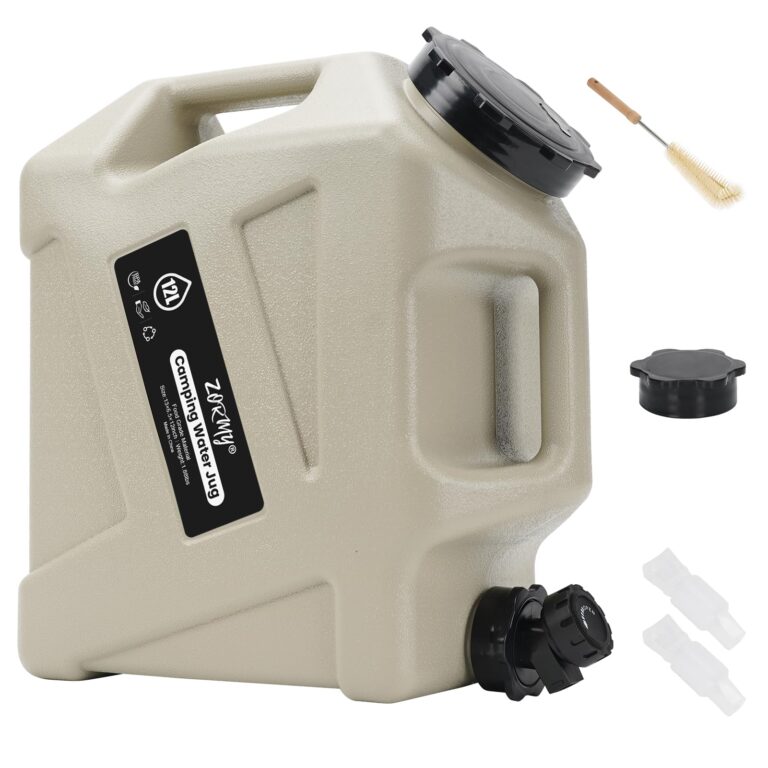

Store and dispense a manageable portion of your household’s water reserve when taps are unavailable.
In stock
$57.95 USD
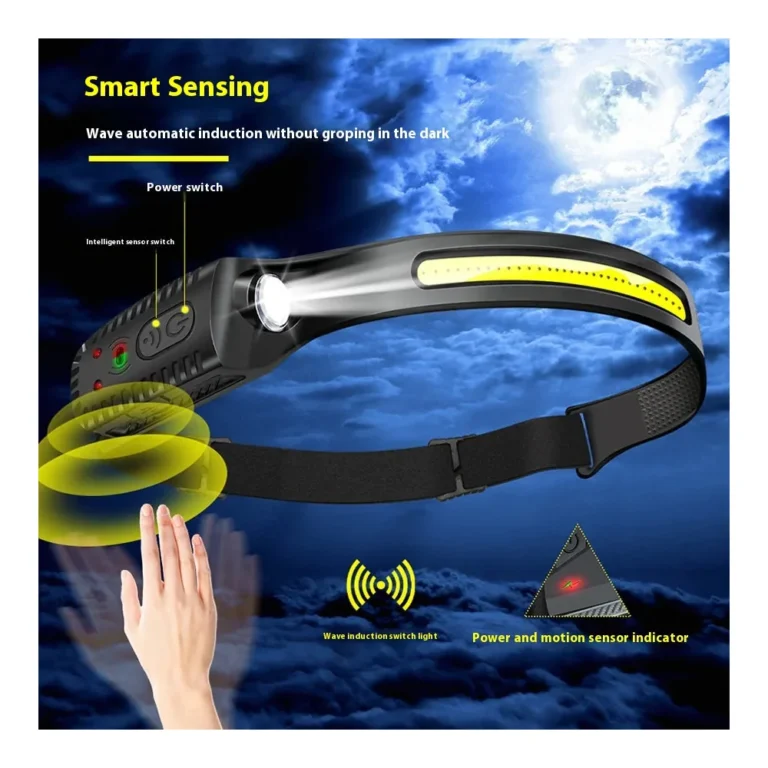
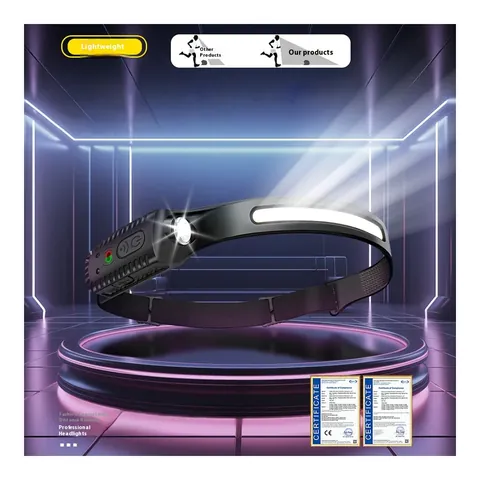
Choose options & shopKeep a hands-free light available for dark rowhouse stairs or apartment hallways during an outage.
 10% off · WINTER10
Keeping your hands free
5.0 (1)In stock
$18.95 USD
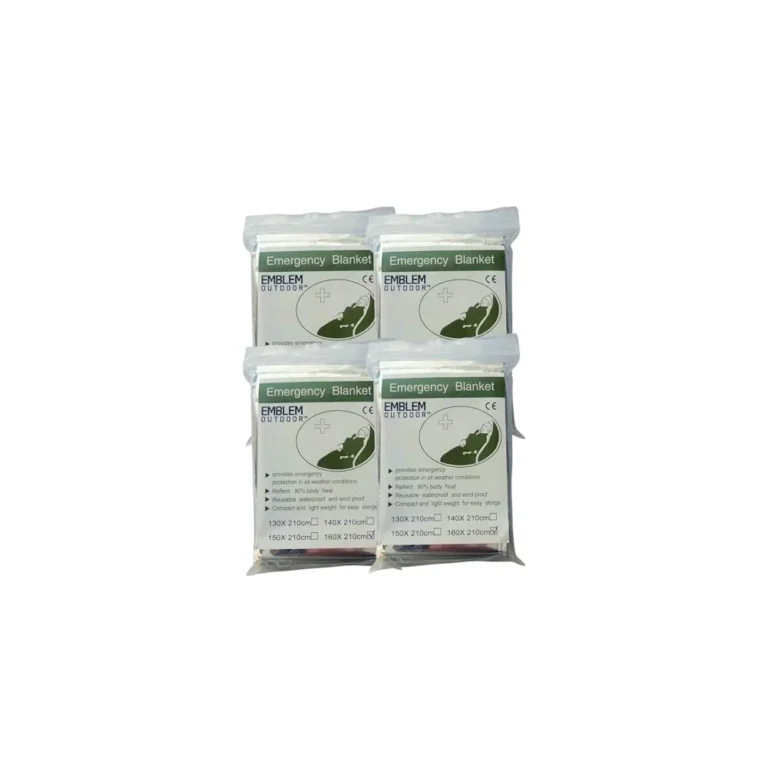
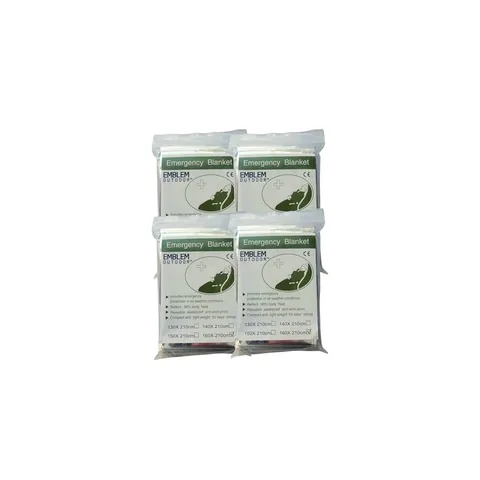
Choose options & shopAdd compact emergency blankets to a winter travel bag. They are supplementary protection, not a replacement for warm clothing or a heated destination.
 10% off · WINTER10
Compact extra insulation
In stock
$25.95 USD
Choose options & shopKeep phones and small devices charged when checking SEPTA and city alerts. This 155Wh battery does not power household heating or air conditioning.
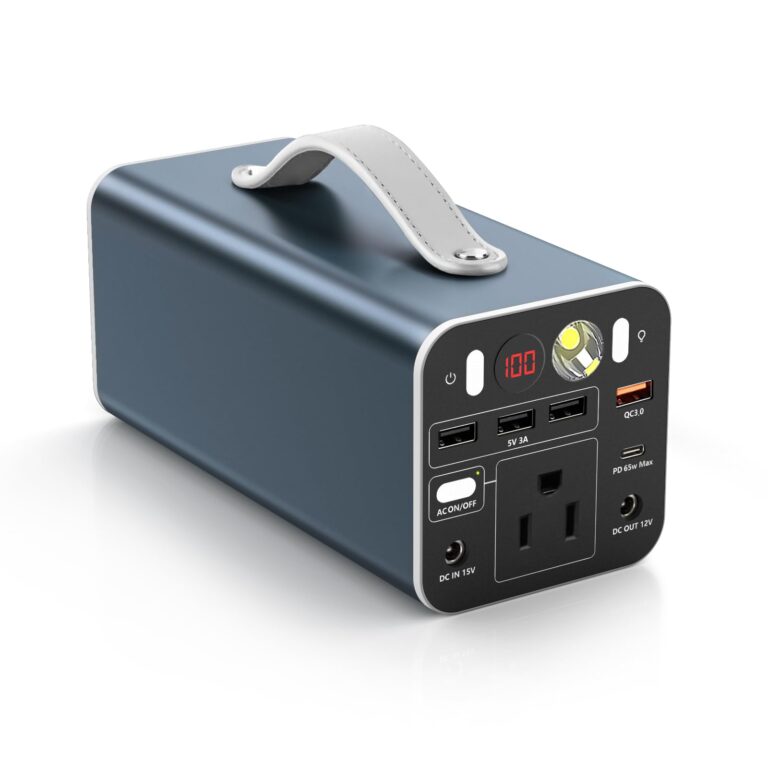

Keep a portable battery reserve for phones, compatible laptops and other small essentials during an outage.
In stock
$179.95 USD
Choose options & shopKeep paper contacts and essential document copies together above basement level. The carry bag has no verified flood-protection rating.
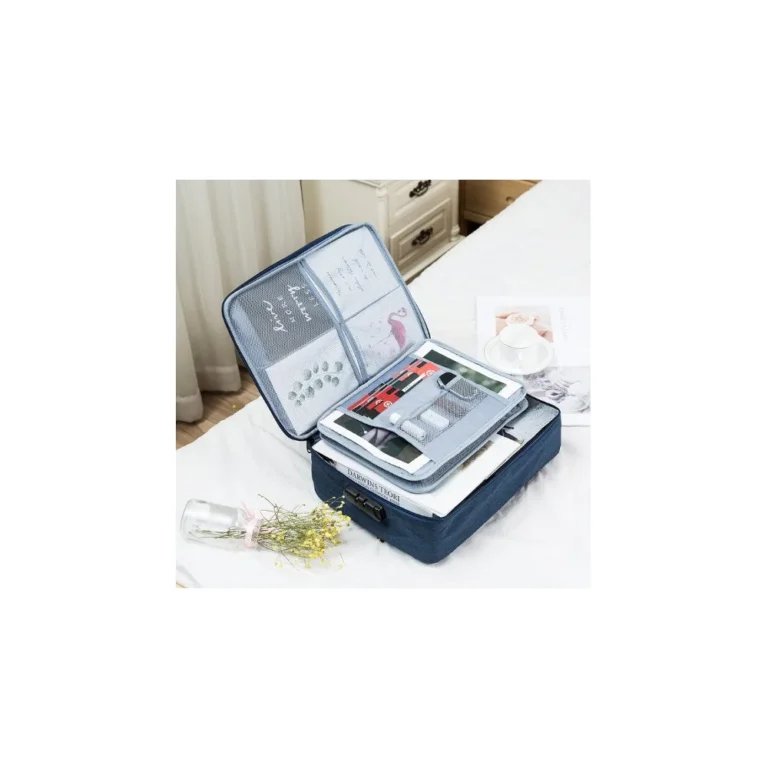
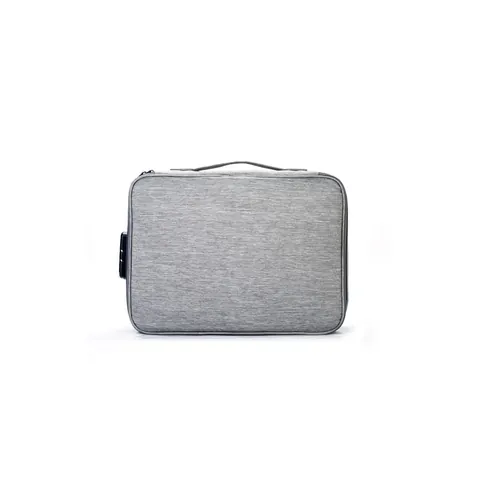
Keeping larger documents together
In stock
$31.95 USD
Choose options & shopCheck refrigerator and freezer temperatures after an outage; follow official food-safety guidance before keeping perishables.
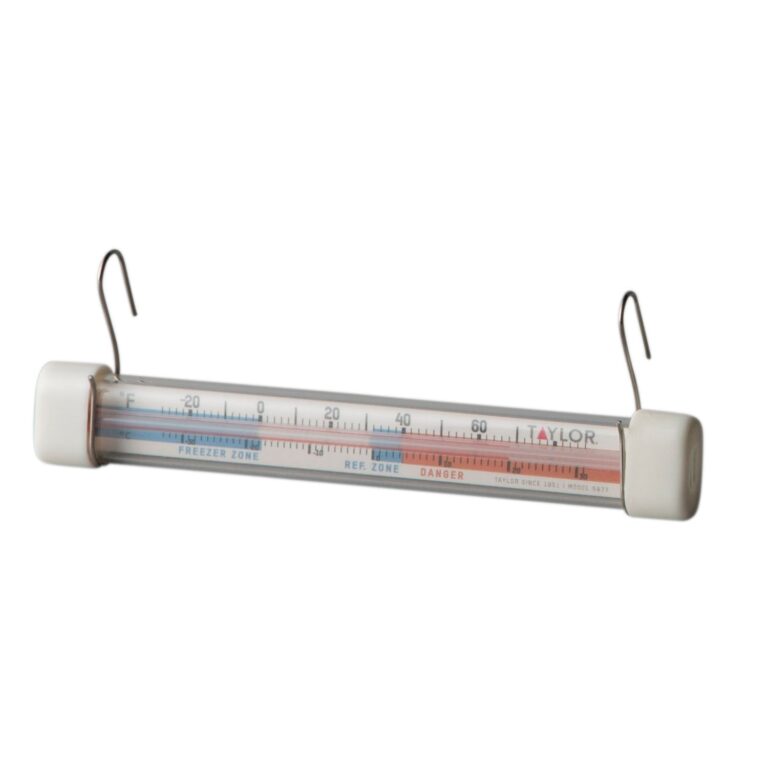

Make checking your refrigerator or freezer temperature part of your household outage plan.
In stock
$17.95 USD
Choose options & shopSOURCES AND COVERAGE
Independent Local Prepper guide. Sources reviewed November 2026. City, county, airport, and regional data are labeled separately. No address-level safety assessment or live alert feed is provided.
Philadelphia International Airport, station USW00013739; 1991–2020 monthly station averages, not neighborhood measurements · Checked 2026-11-13
Grid near 39.9526, -75.1652; January 2001–December 2025 monthly daily irradiation averages · Checked 2026-11-13
National household water-storage guidance; increase amounts for heat, pets and individual needs · Checked 2026-11-13
City household communication and emergency planning guidance · Checked 2026-11-13
City registration; emergency and severe-weather texts, language and address preferences · Checked 2026-11-13
City flood risks and preparedness resources; not an address-specific assessment · Checked 2026-11-13
Activated heat services and links to cooling locations; verify current availability · Checked 2026-11-13
Snow emergency routes, heating and winter travel guidance · Checked 2026-11-13
Evacuation versus sheltering in place; follow instructions for the current incident · Checked 2026-11-13
PECO electric outage status; emergency telephone 800-841-4141 · Checked 2026-11-13
Route disruptions, detours and elevator alerts; live conditions change · Checked 2026-11-13
Philadelphia County SAME 042101; KIH28 at 162.475 MHz · Checked 2026-11-13
City account of September 2021 Ida flooding and recovery; historical event · Checked 2026-11-13
National guidance on avoiding flooded roads and moving water · Checked 2026-11-13
National guidance for sturdy buildings, mobile homes and vehicles · Checked 2026-11-13
Photo: Philadelphia from South Street Bridge July 2016 panorama 2.jpg by King of Hearts, 2016-07-23. CC BY-SA 3.0. Display cropped.

